Finding your way around
Your starting level and the four tabs: Lessons, My Words, Glossary and Settings.
Choosing where to start
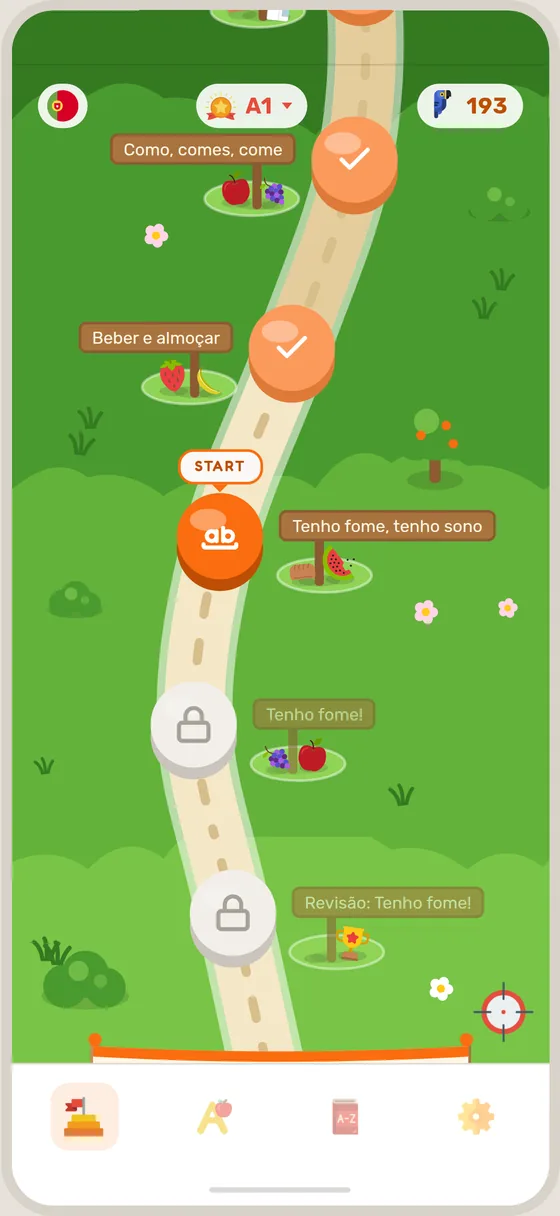
When you first open the app, Speeku asks a few quick questions, including how much of the language you already have, from None yet to Comfortable. Your answer decides where your path begins. You can open another level's map later from the lesson map.
On the Swiss German app, Speeku first asks which language you would like the app to speak to you in.
The four tabs
The tabs sit along the bottom of the screen, from left to right:
- Lessons is your path through the course. Your next lesson is always waiting on the map.
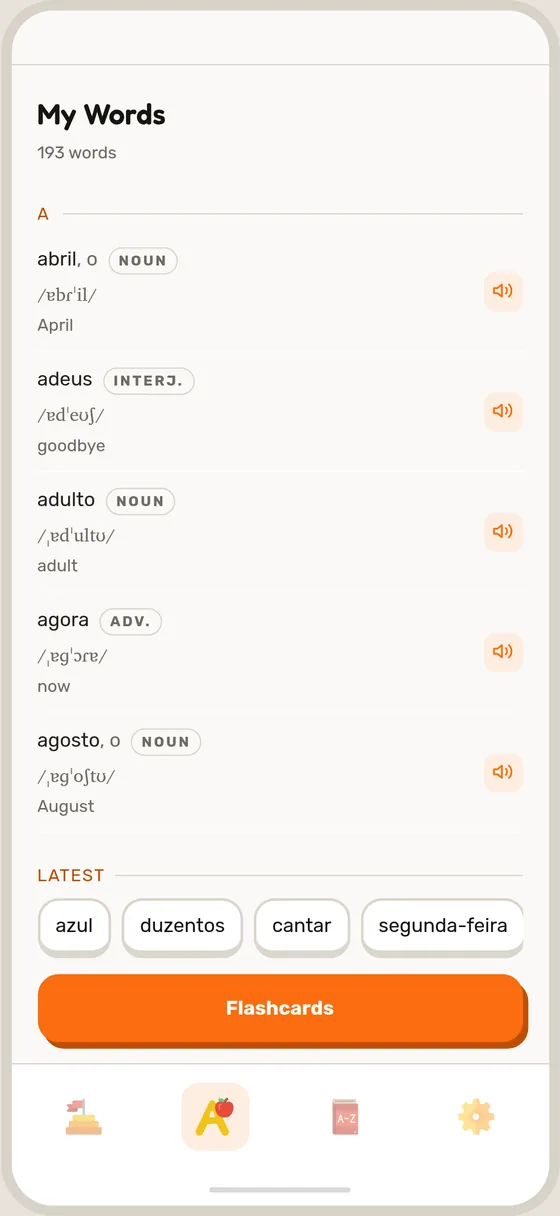
- My Words keeps every word you have learned, and opens your flashcards.
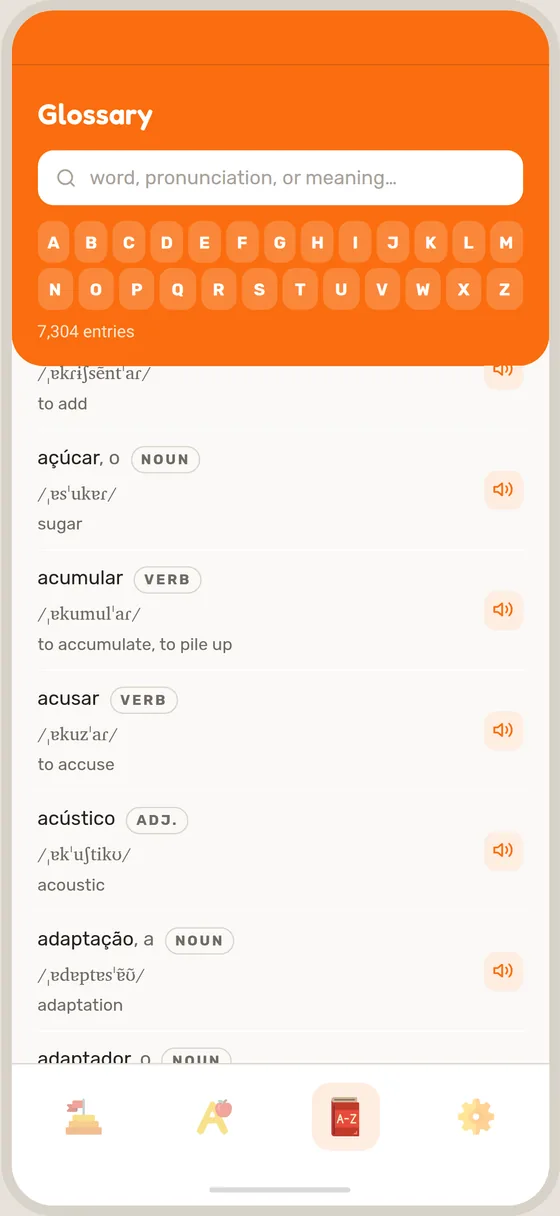
- Glossary has every word the course teaches. Look one up any time, even in the middle of a lesson.
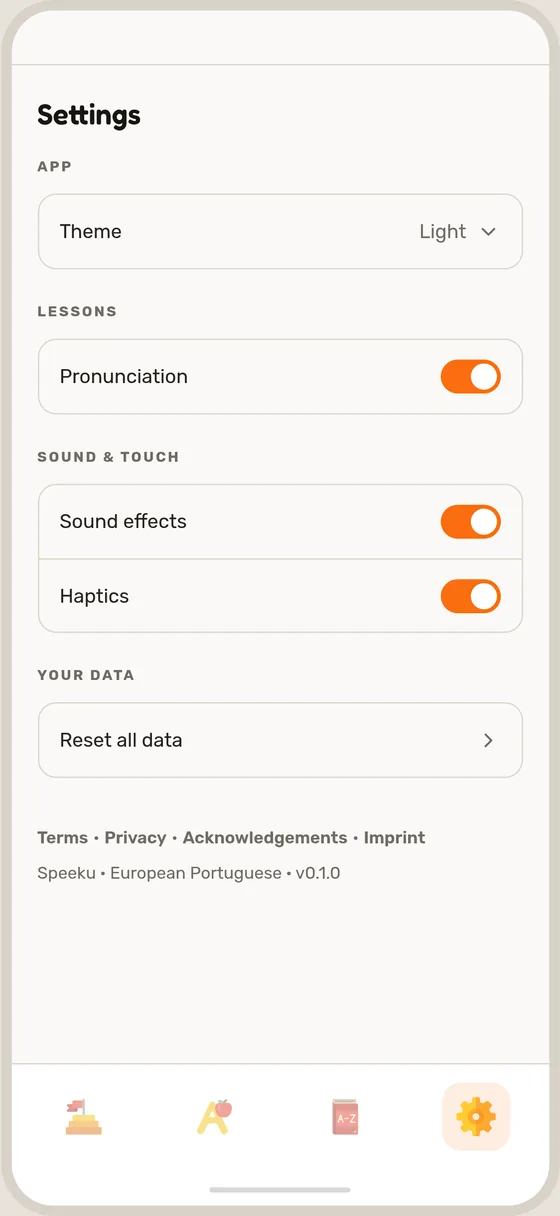
- Settings is where you choose the app's language, theme, sounds and more. Nothing there is permanent, so change your mind any time.