Speaking exercises
How Speeku listens to you, what it checks, and how to get the most out of it.
How Speeku checks what you say
When you speak, Speeku listens for the word or phrase the exercise asks for and tells you whether it heard it. Everything happens on your phone, in a moment, with or without internet.
Speeku checks which word you said, so you know you were understood. It does not score your accent, so speak naturally and don't worry about sounding like a native.
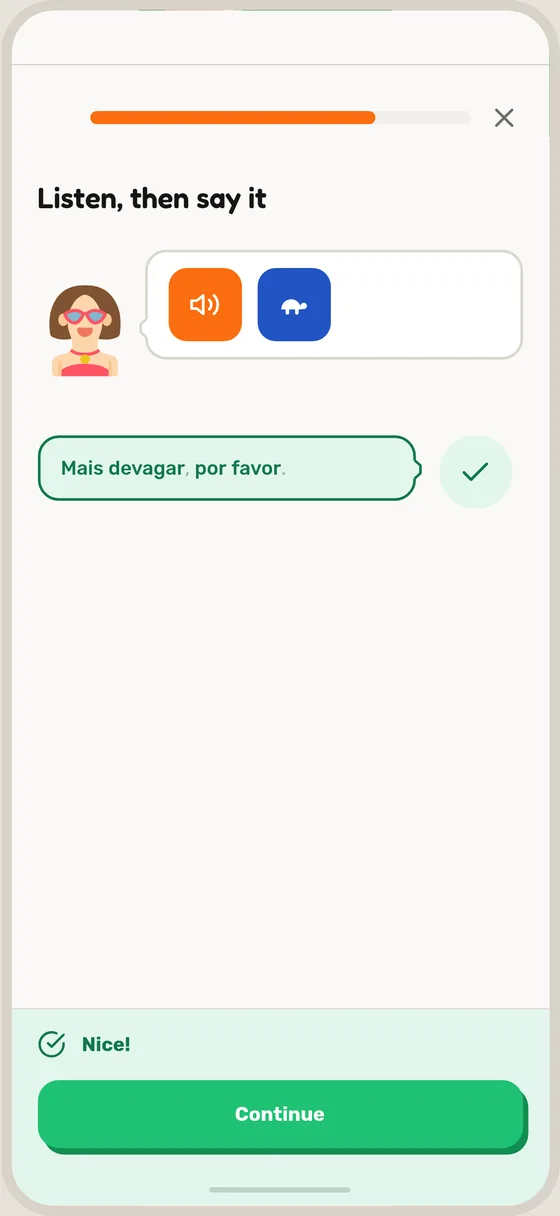
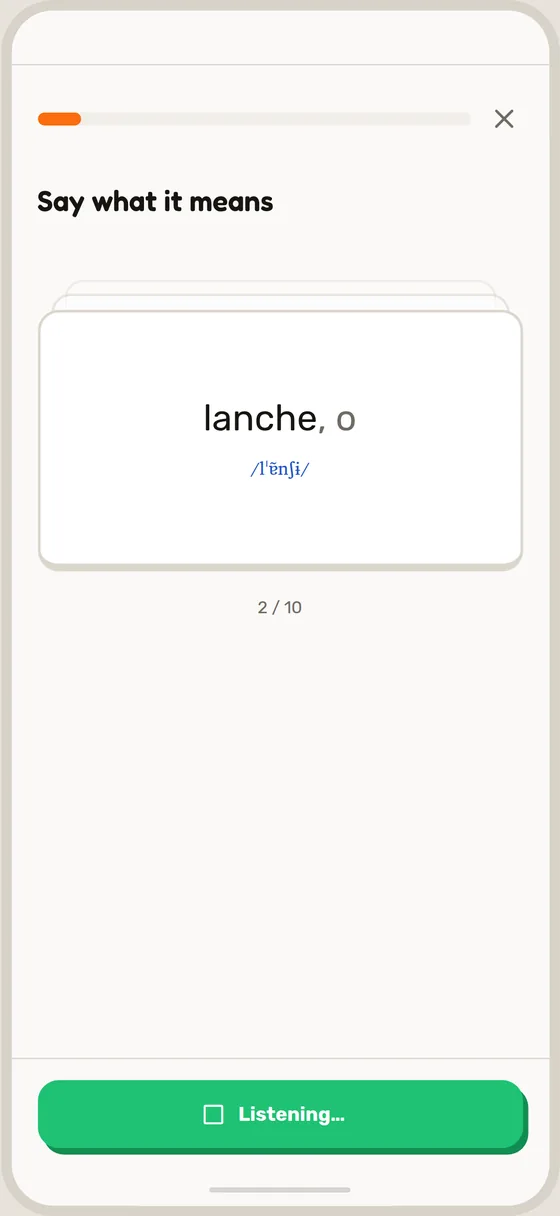
Your voice stays on your phone
Your voice is checked on your phone and then discarded. It is never saved, uploaded or sent to us.
Tips for speaking
- Find a quiet spot, or hold the phone a little closer.
- Wait for the microphone to start before you speak.
- Say the whole word or phrase at a normal pace.
- Listen to the recording again first if you are unsure.
When you cannot speak
On a quiet train or in a meeting, tap the » button at the top left of the screen to skip the exercise. You can also practise in silent mode with your flashcards.
